Press

Press kit

Facts, descriptions, logos, and screenshots of Video Cutlet. Use them freely in coverage of the product. For a review copy or a question, write to contact@chillingmoose.com.

Fact sheet

ProductVideo Cutlet
Version1.1.1, released
Made byChilling Moose OÜ, Tallinn, Estonia
SystemsWindows 10 and 11 (x64); macOS 13 or later (Apple silicon); Linux (x86_64, Wayland, Vulkan)
PriceUSD 39.99 plus US sales tax, or EUR 39.99 including VAT, one time; every 1.x update included
TrialFree, no time limit: three video and three audio tracks, exports up to 25 minutes and 4K, no Sound Editor
Copy protectionNone
Websitevideocutlet.com
Contactcontact@chillingmoose.com

Short description

Video Cutlet is a native video editor for Windows, macOS, and Linux that you buy once. Transcription, captions, and text to speech run on your own computer, and the editor needs no account and no internet connection.

Long description

Video Cutlet is a video editor written in C++ for Windows, macOS, and Linux. It cuts on a multitrack timeline with ripple, roll, slip, and slide tools, Source and Output viewers, and remappable shortcuts, and it composites on the GPU.

Speech work happens on the user's computer: transcription in 17 languages with a bundled Whisper model, editing by transcript, captions, removal of pauses and filler words, and English text to speech. Titles, masks, color wheels, scopes, Looks, a waveform Sound Editor, and export presets for H.264, HEVC, ProRes, DNxHR, and more complete the editor.

A built-in MCP server and the cutlet command line let AI agents and scripts drive the same commands as the interface, with every edit on the user's undo stack. Video Cutlet costs USD 39.99 or EUR 39.99 once, includes every 1.x update, and has no DRM. A free trial with a few limits does not expire.

Logos

Use the dark-ground versions on dark backgrounds and the light-ground versions on light ones. Do not recolor, outline, or rotate the mark, and keep clear space around it of at least a quarter of its width. In running text the product is "Video Cutlet".


App iconSVGPNG, 512 x 512
Logo for dark groundsSVG
Logo for light groundsSVG
Wordmark for dark groundsSVG
Wordmark for light groundsSVG
Mark alone, transparent groundSVG

Screenshots

Captured from Video Cutlet 1.1.1 in its Zen theme. Each links to the full-size PNG.
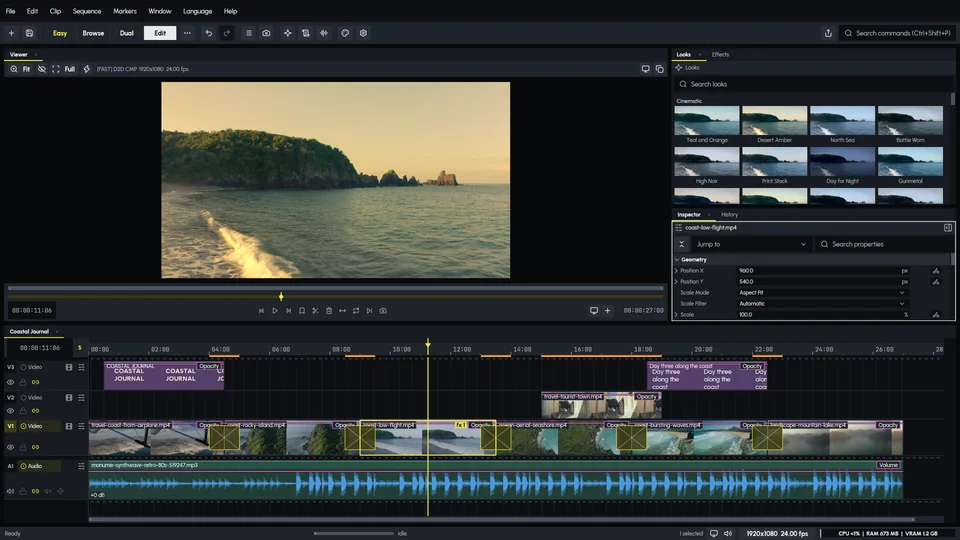
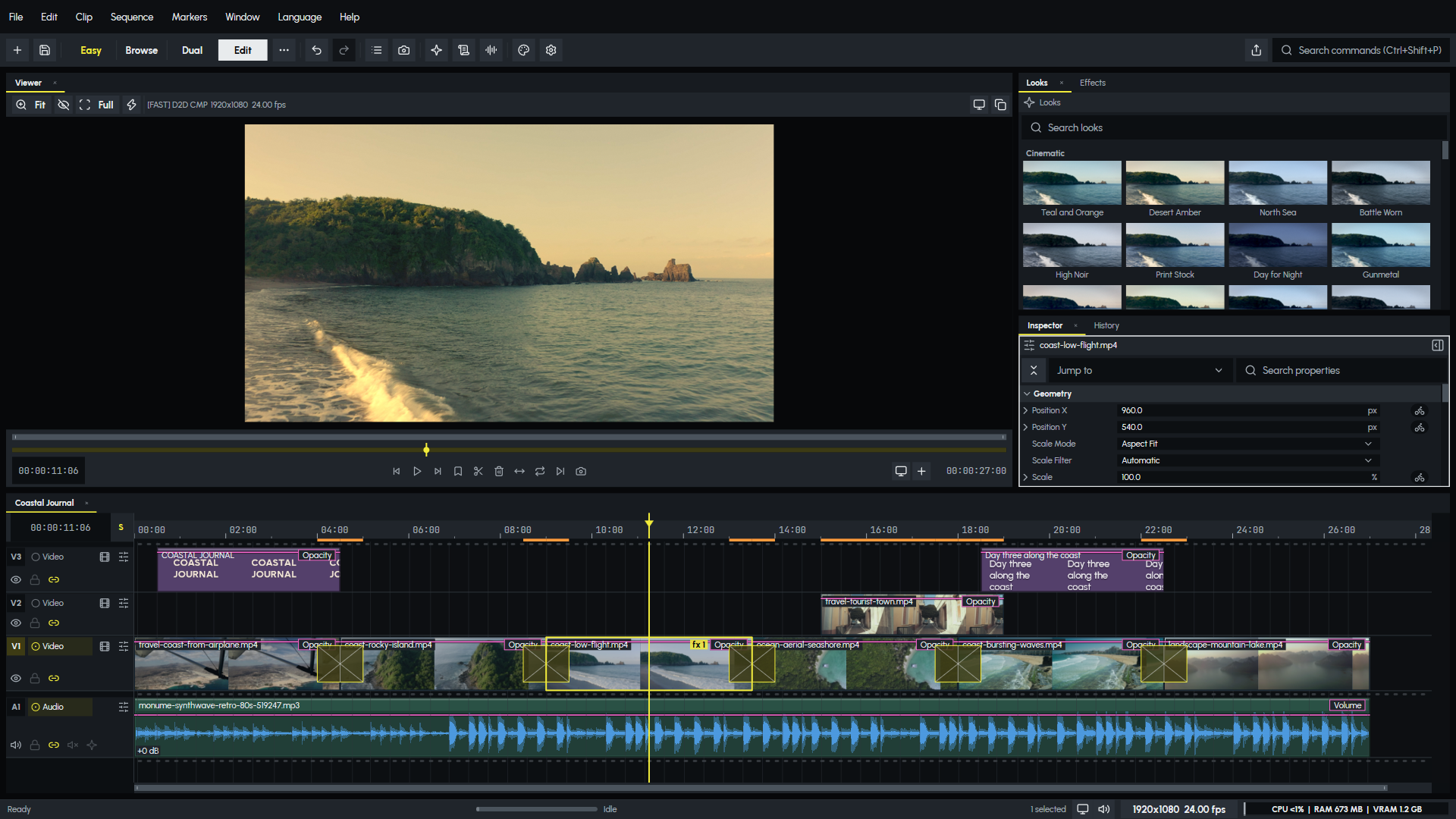
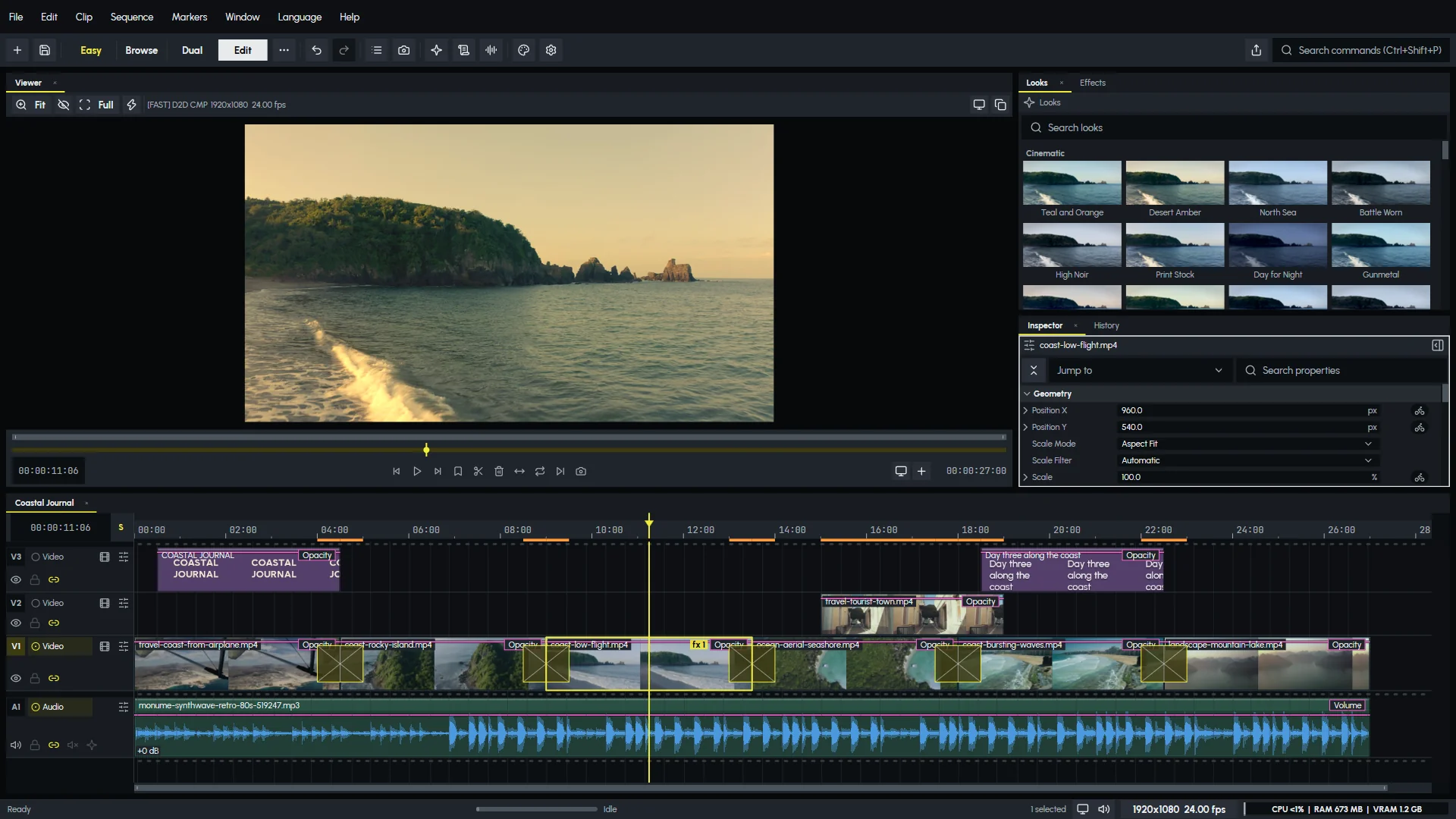
Video Cutlet in the Edit workspace showing a coastal aerial shot in the Viewer, the Looks gallery and the Inspector for the selected clip, and a timeline with three video rows, dissolves, and a music track with beat guides.
The Edit workspace puts the picture, the Looks gallery, and the Inspector beside a multitrack timeline with titles, a cutaway, dissolves, and a music bed on its beat grid.
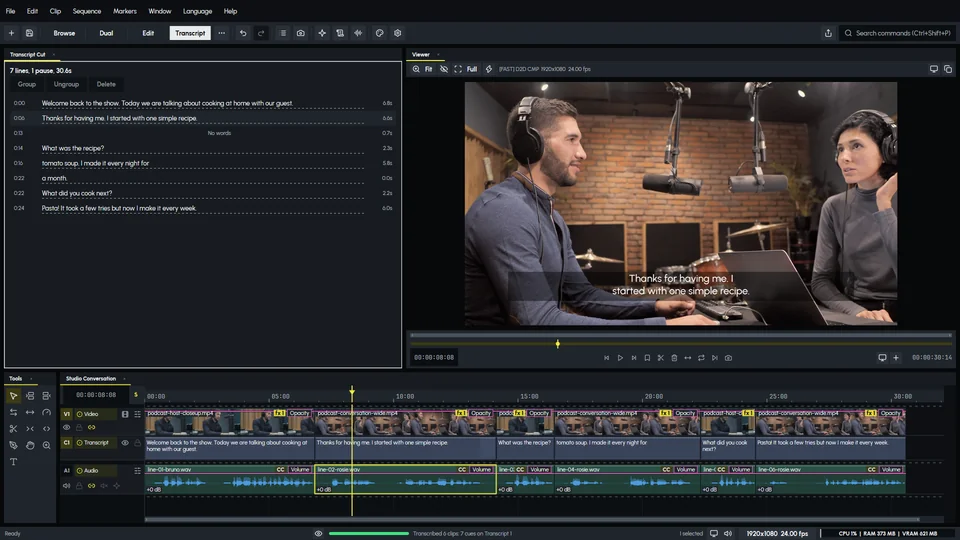
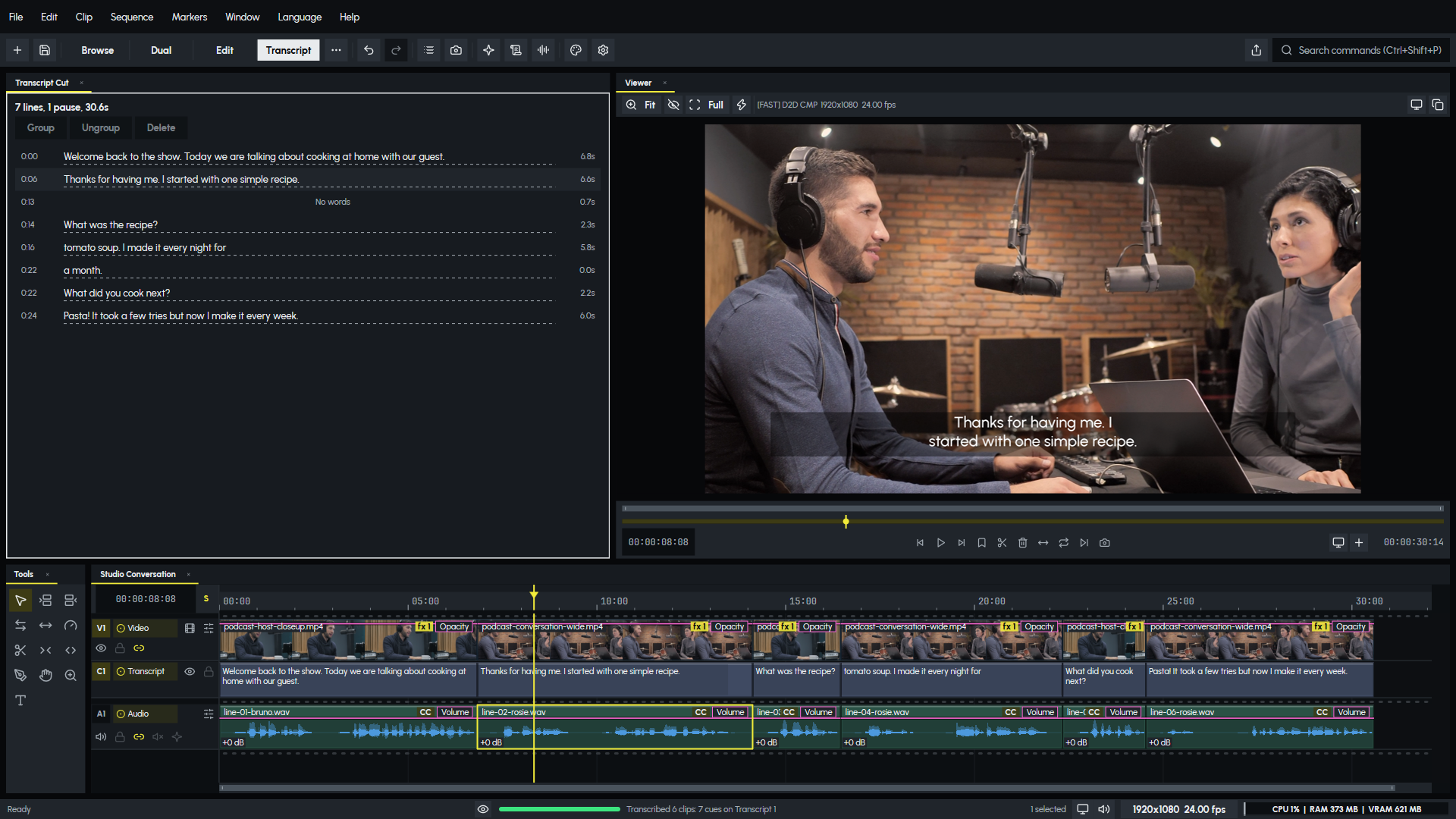
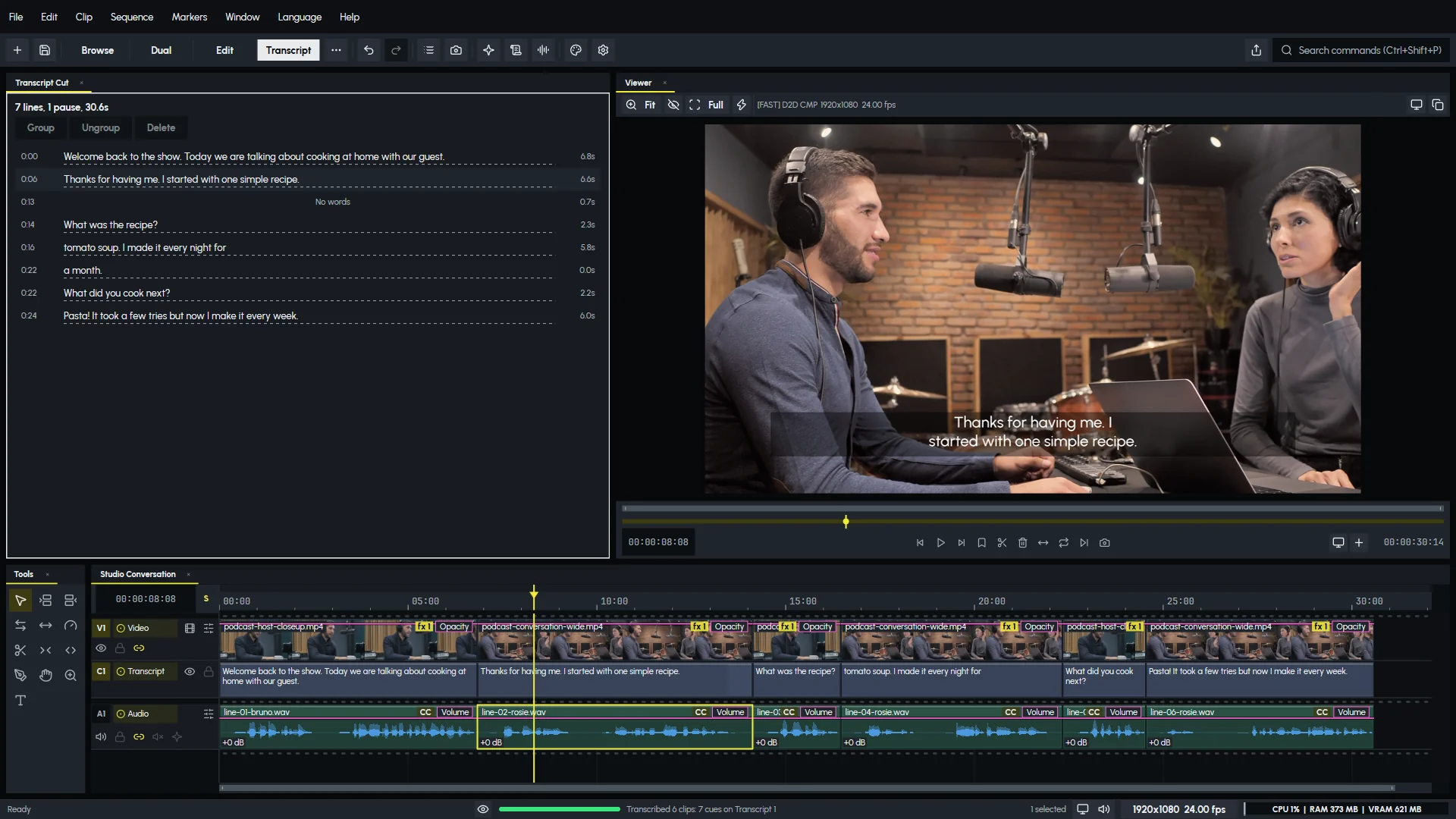
Video Cutlet in the Transcript workspace with a two-person conversation as transcribed lines and pauses on the left, the Viewer showing a podcast studio with a caption, and the timeline below.
The Transcript workspace transcribes speech offline into editable lines, pauses, and live captions.
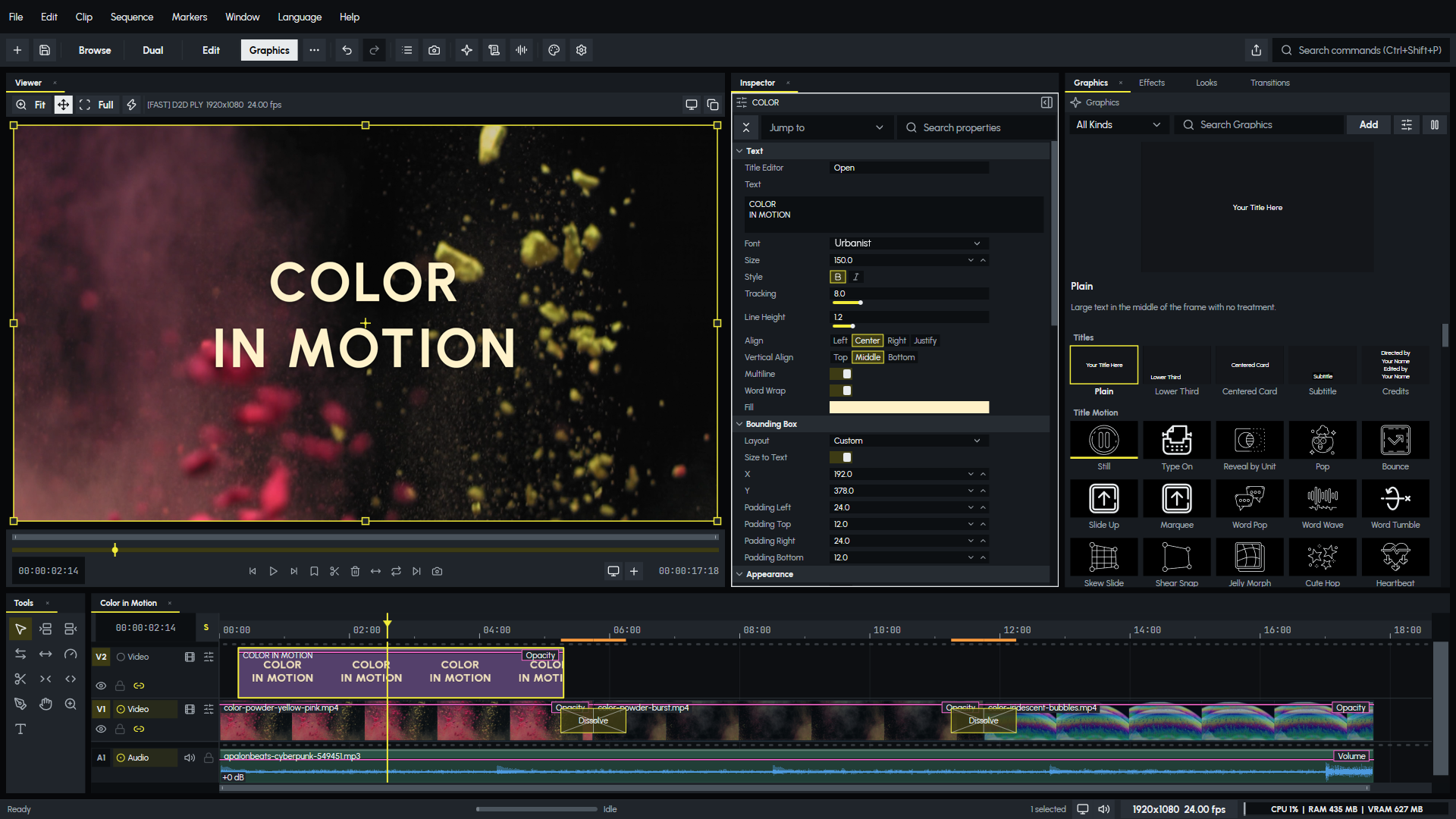
Video Cutlet in the Graphics workspace editing the title COLOR IN MOTION over a colored powder burst, with the title's Inspector and the Graphics gallery open.
Titles are clips on the video rows, edited in place over the footage with the Inspector and the Graphics gallery beside the Viewer.
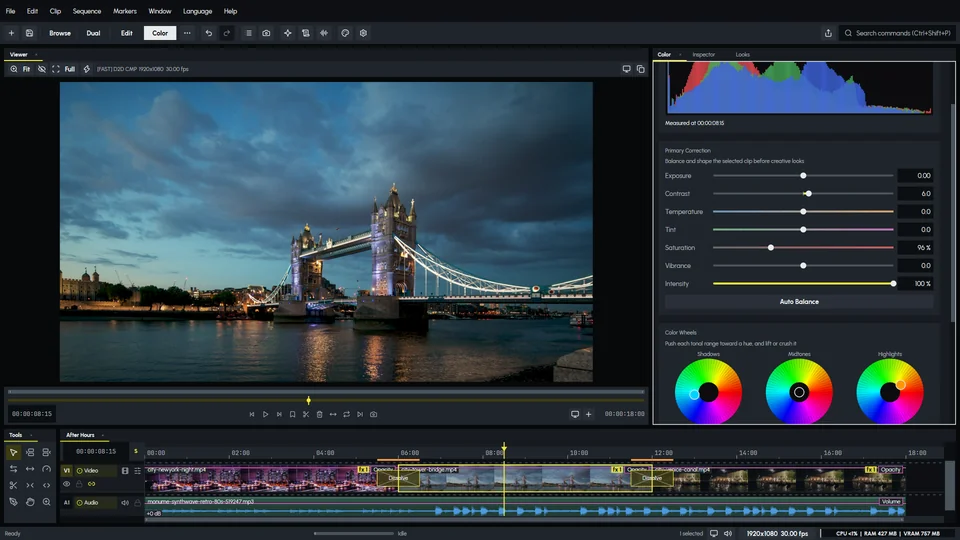
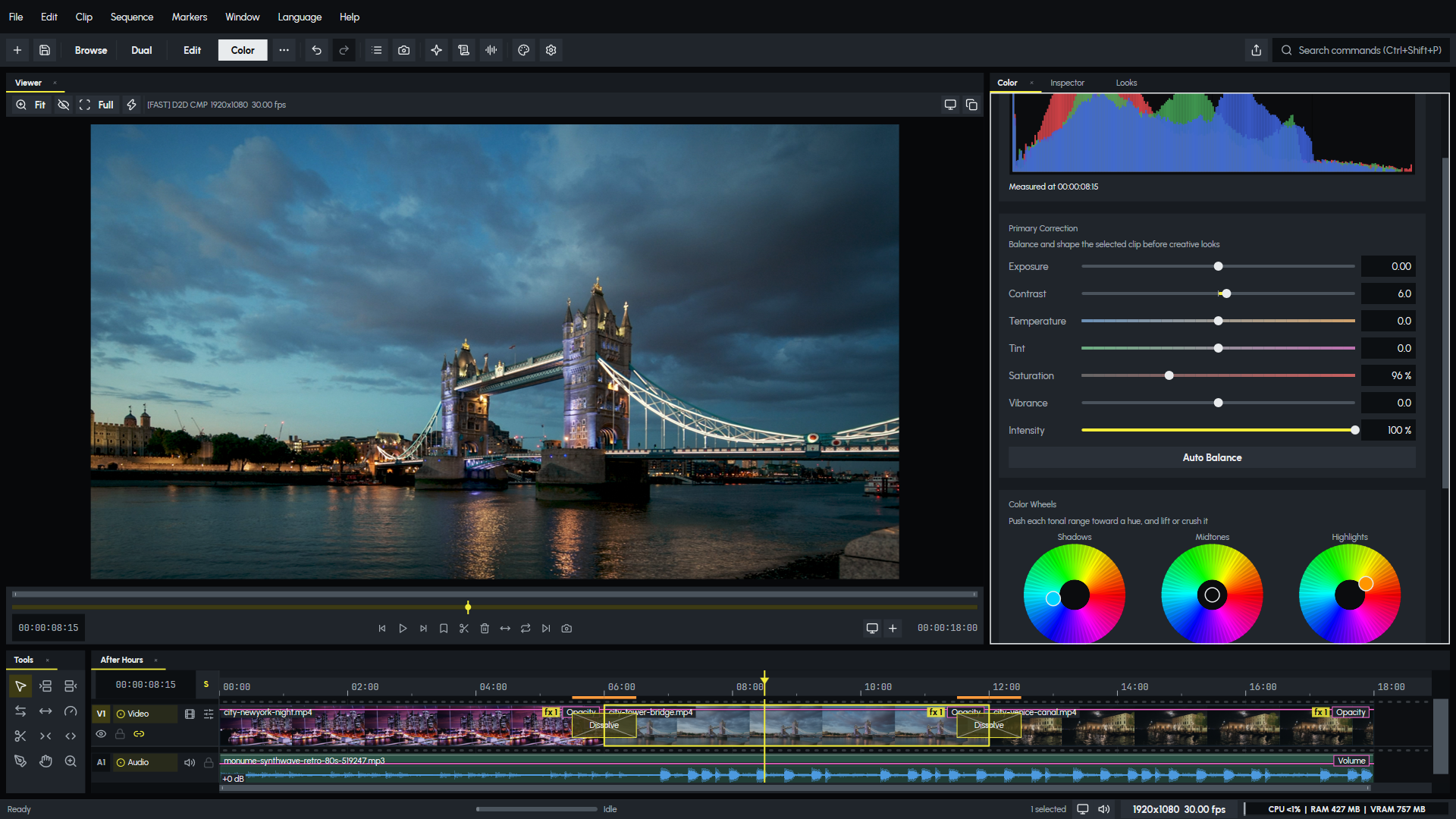
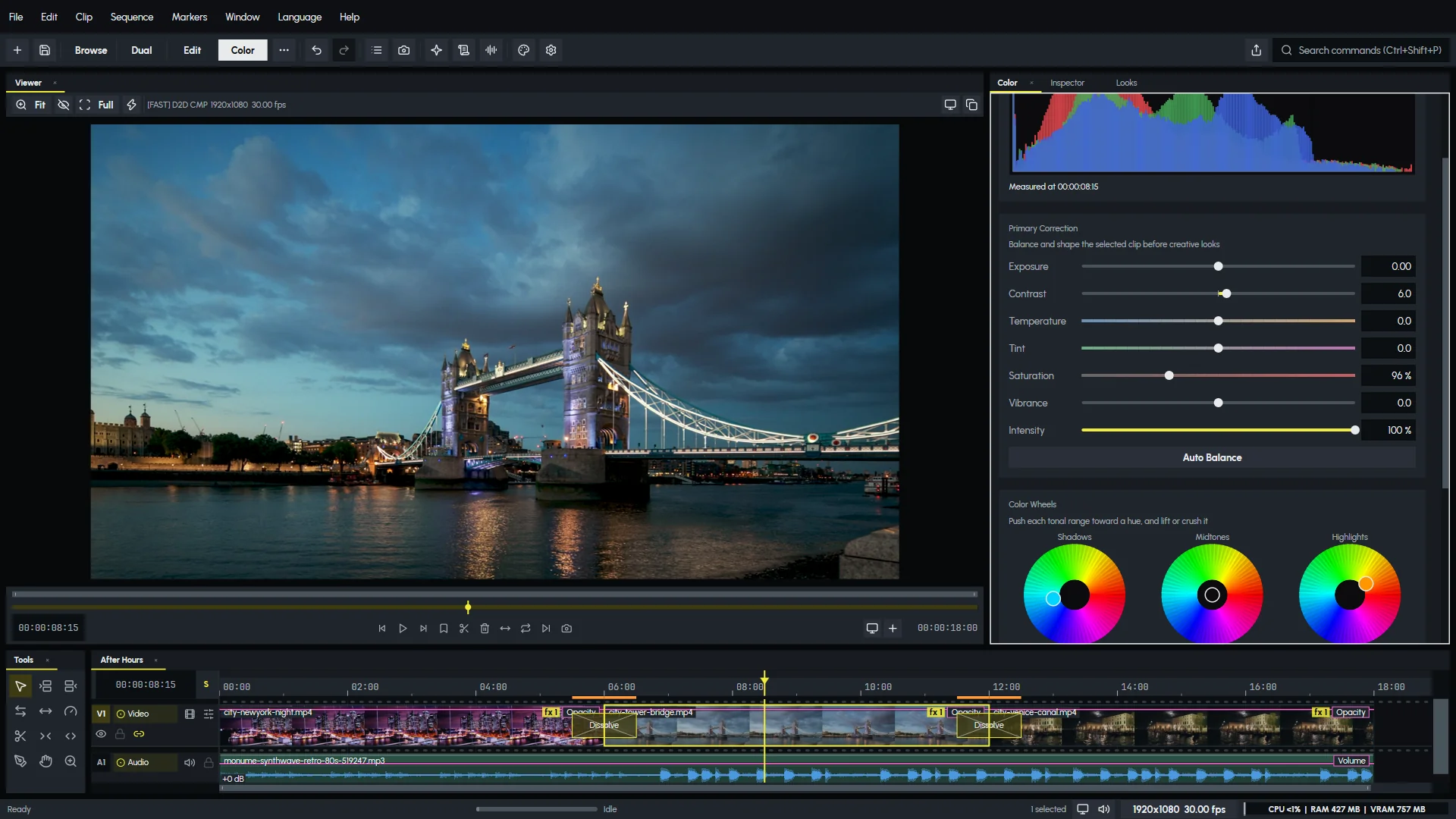
Video Cutlet in the Color workspace with Tower Bridge at sunset in the Viewer, and the Color panel showing primary correction sliders and three color wheels.
The Color workspace grades a clip with primary sliders and shadow, midtone, and highlight wheels while the scopes measure the frame.
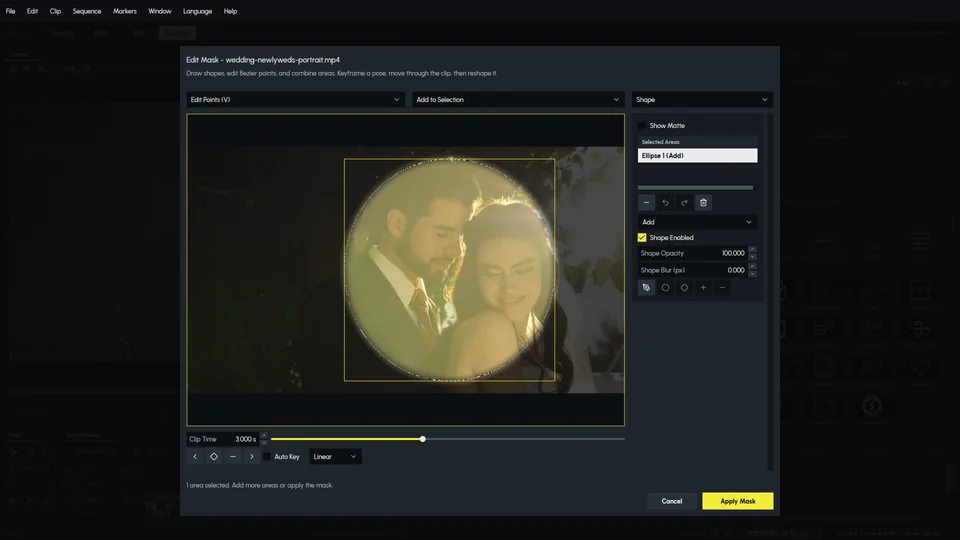
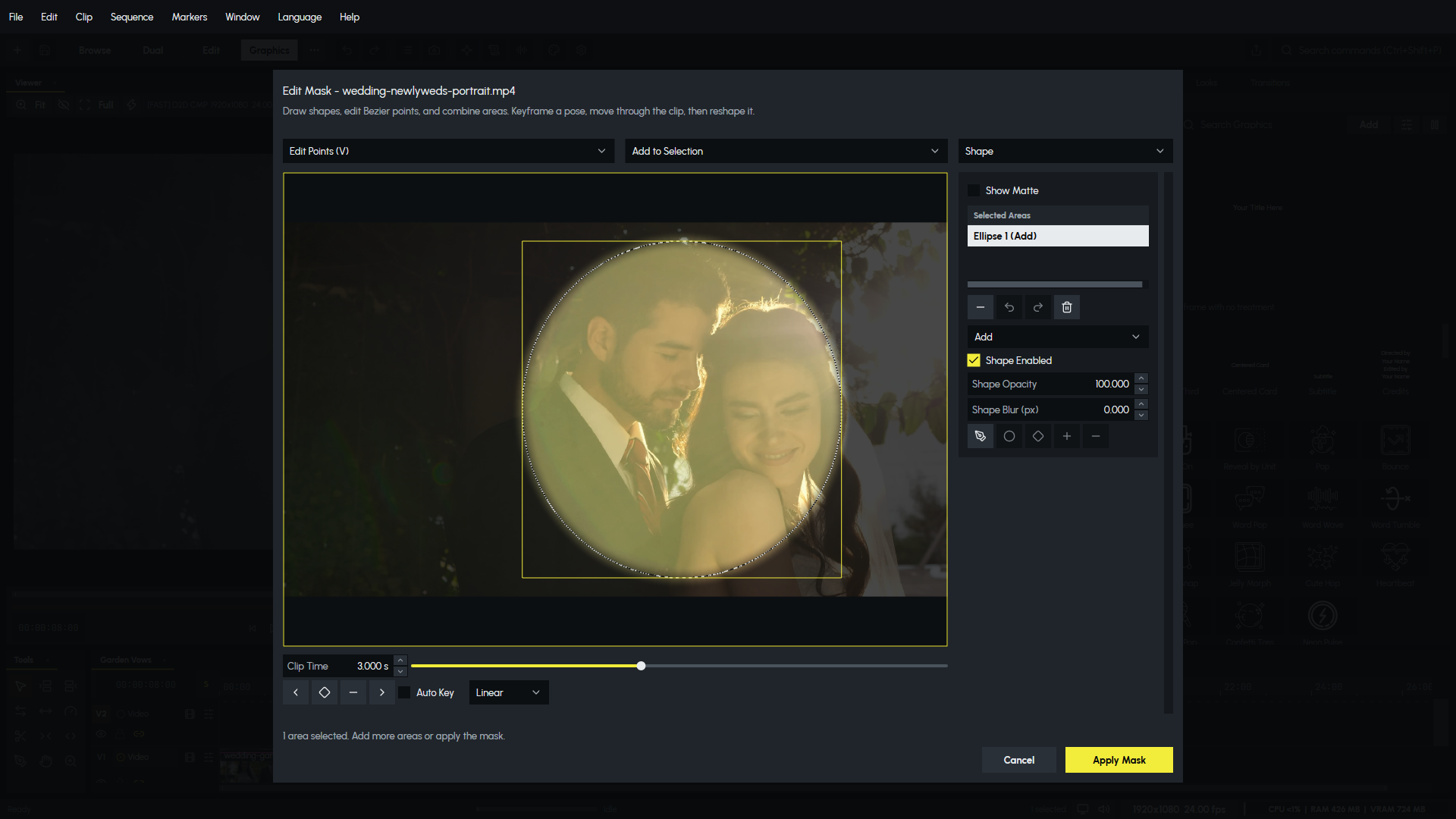
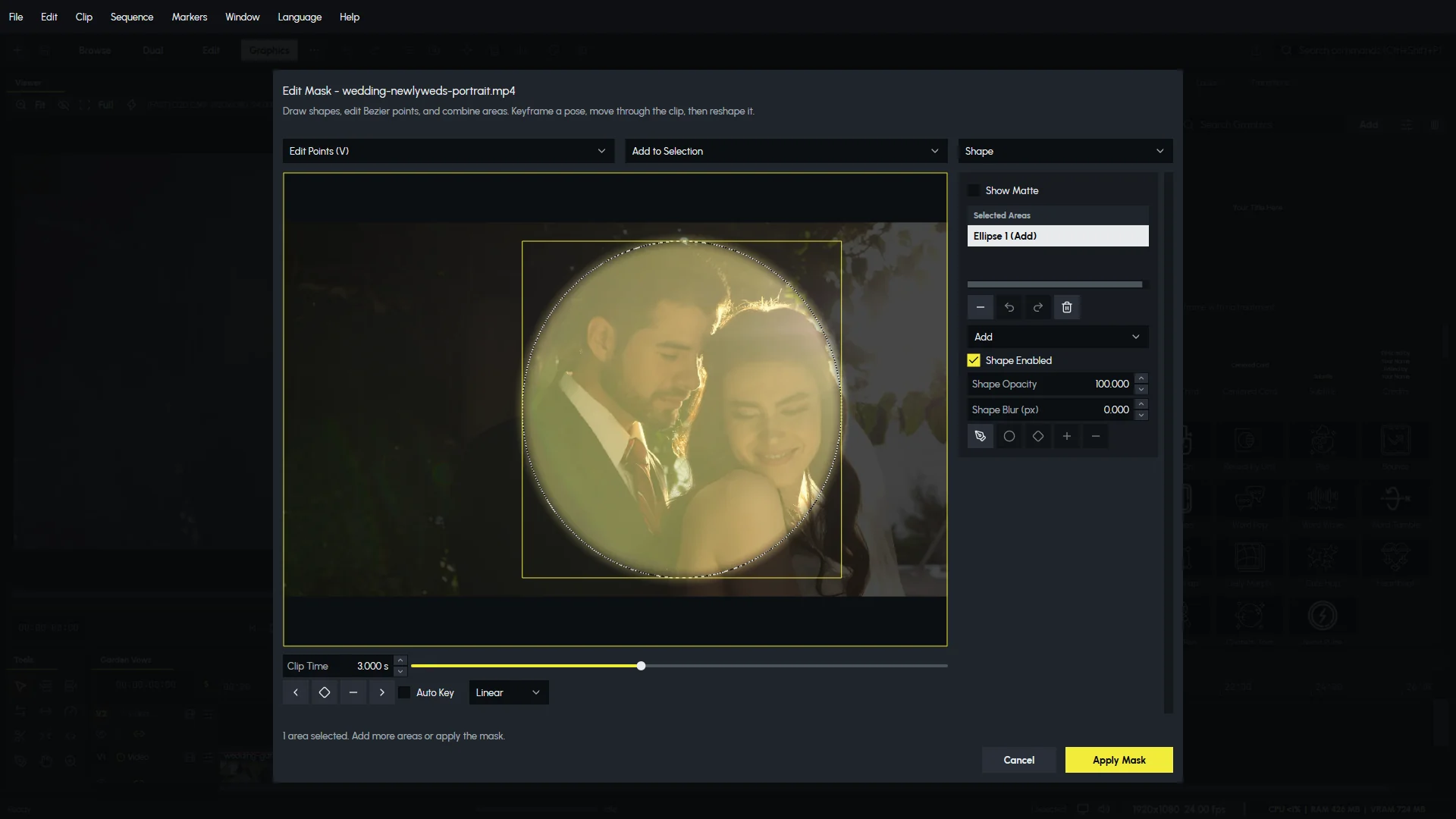
Video Cutlet's Edit Mask dialog with a feathered ellipse around a newlywed couple, the area list and shape controls on the right, and the clip time slider below.
The mask editor draws, feathers, and keyframes shapes on a clip, here a soft ellipse around a couple.
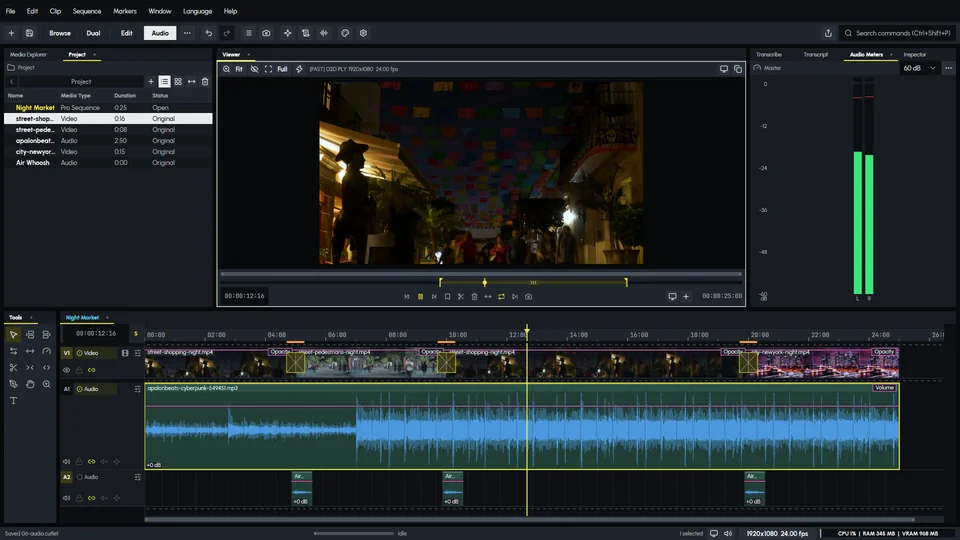
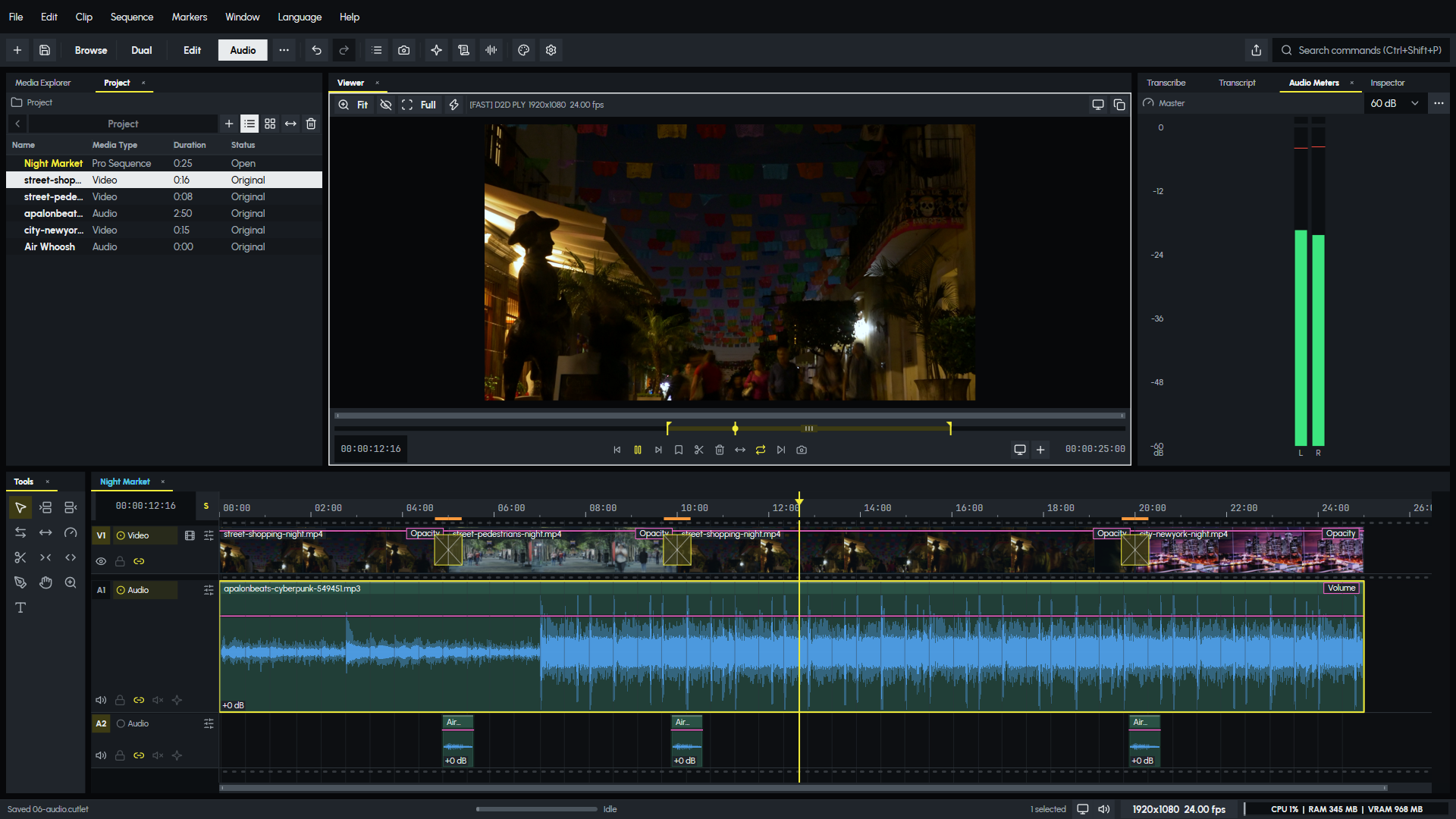
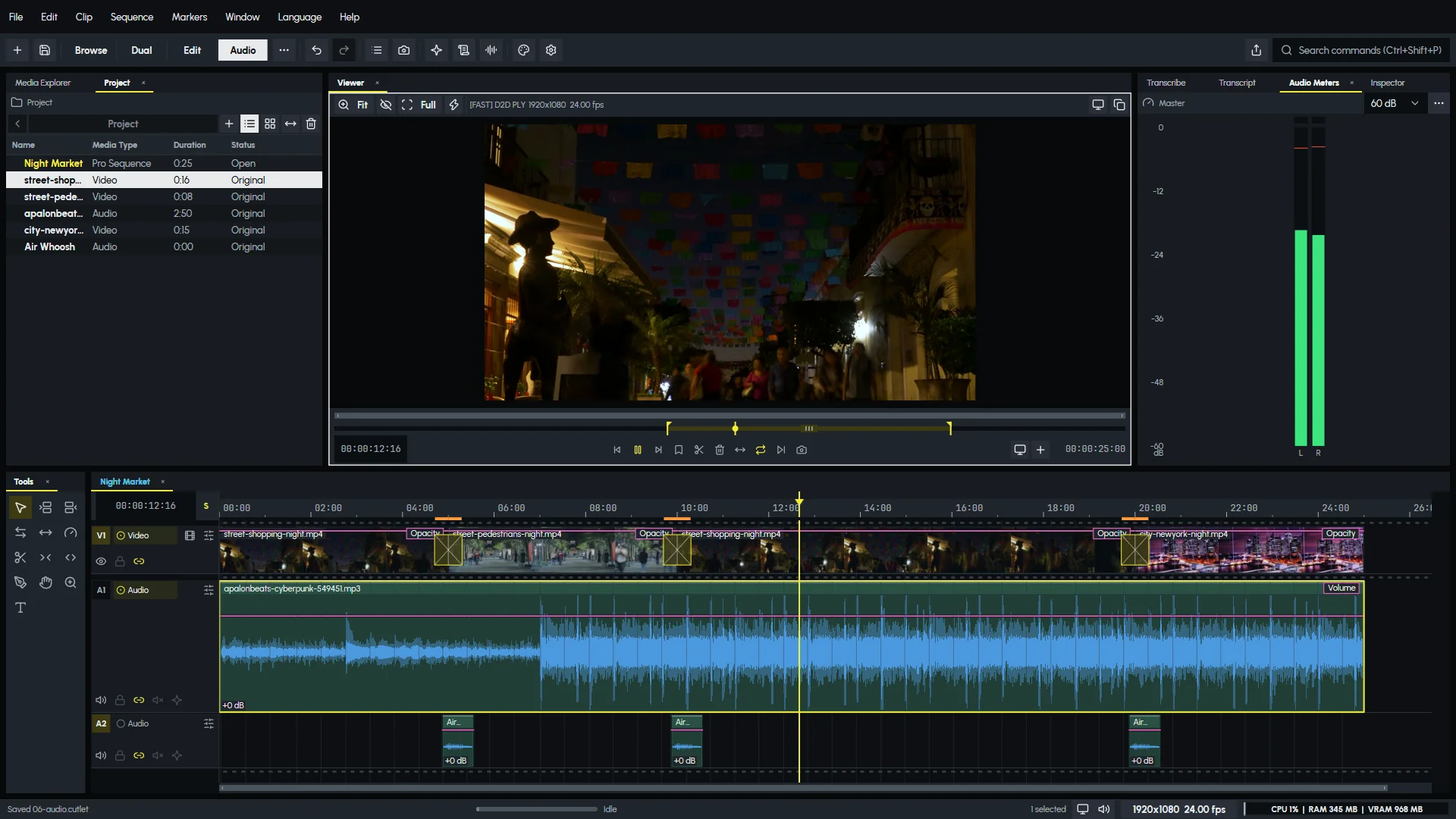
Video Cutlet in the Audio workspace playing a night street edit, with a tall music waveform and beat guides on the timeline, whoosh sound effects on a second audio row, and stereo meters on the right.
The Audio workspace shows the music bed's waveform over its detected beat grid, sound effects under each cut, and live level meters during playback.
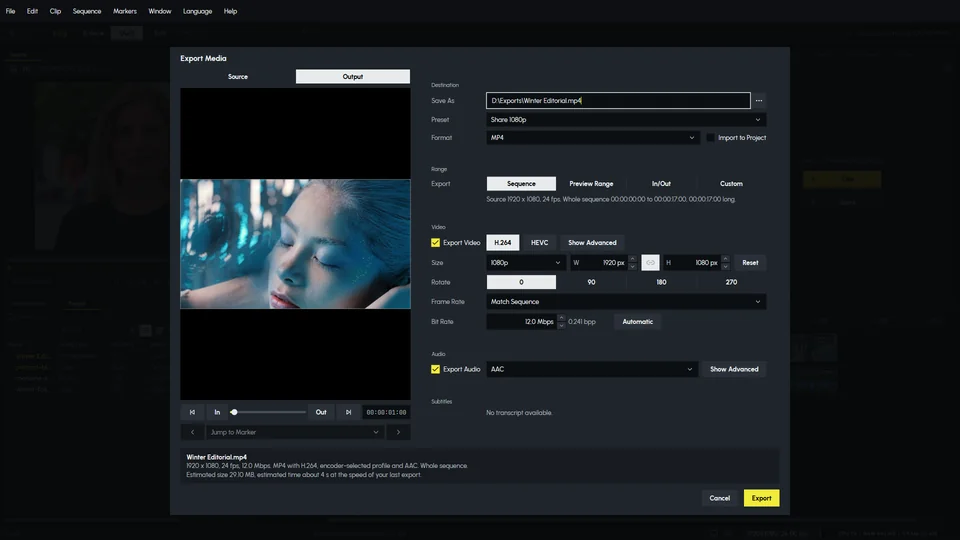
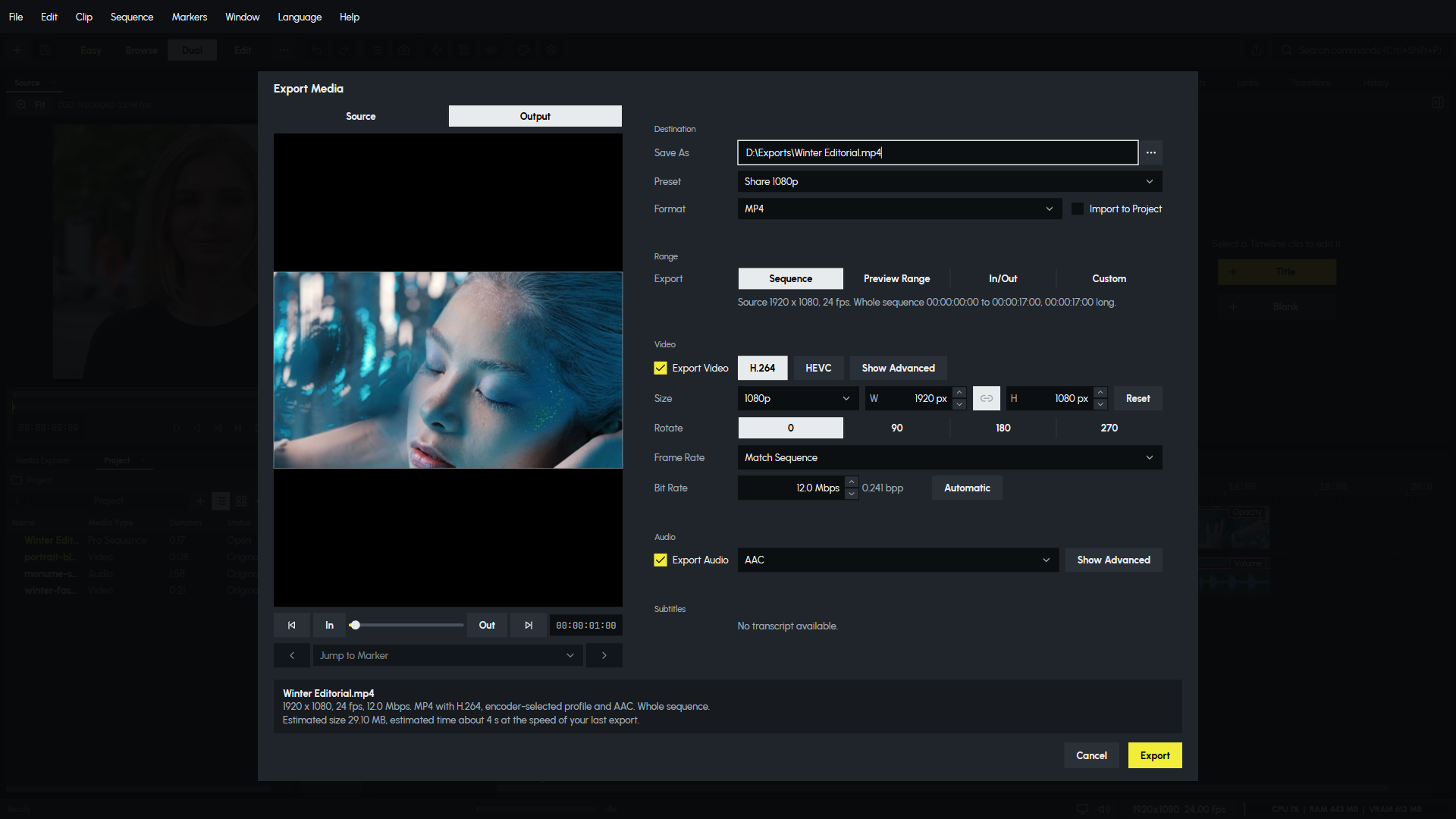
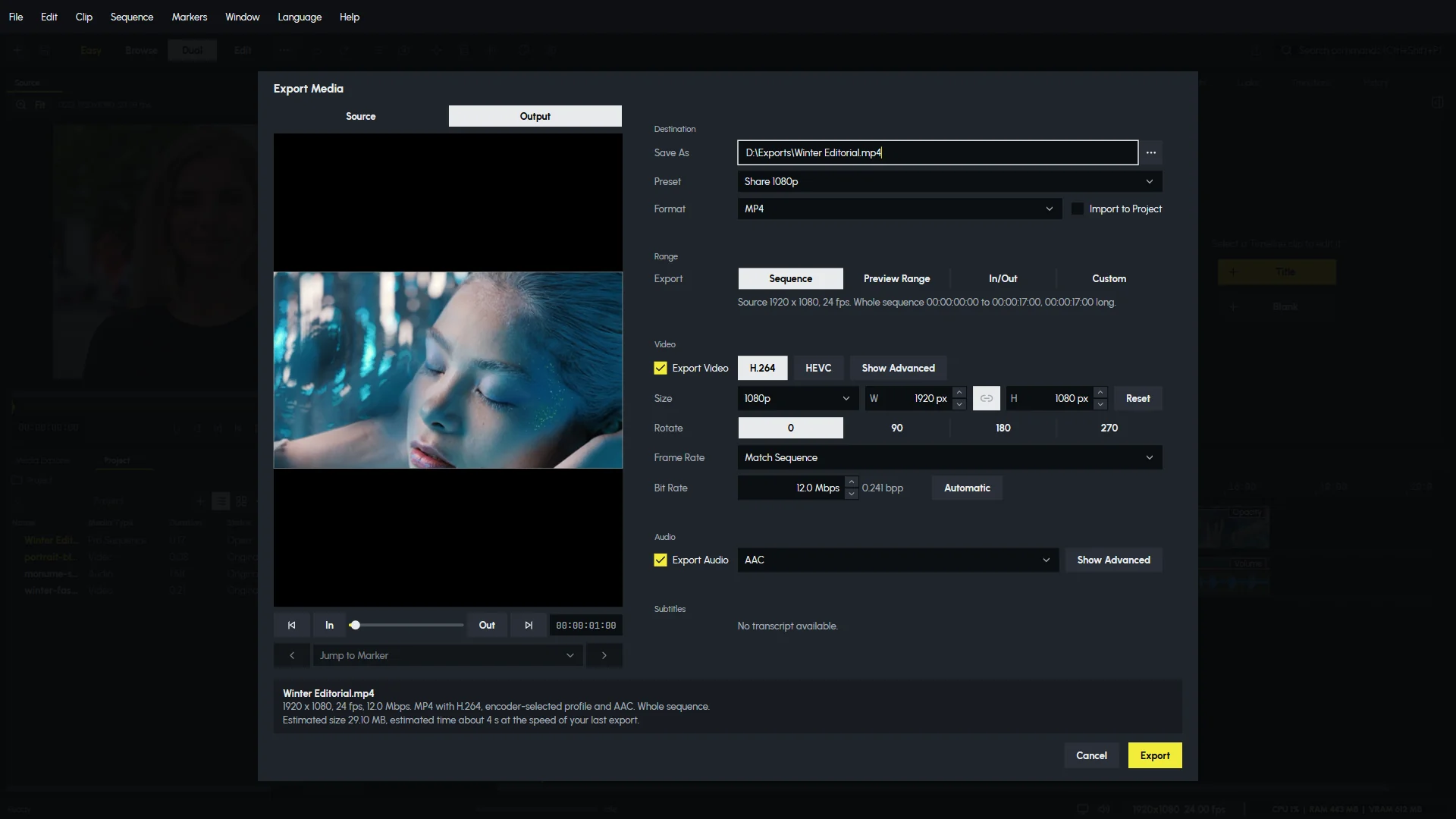
Video Cutlet's Export Media dialog with the Share 1080p preset selected, a preview frame of a winter fashion shot, and destination, range, video, and audio settings.
Export Media renders a sequence to a file from built-in presets or settings of your own, with a preview of the frame it will write.
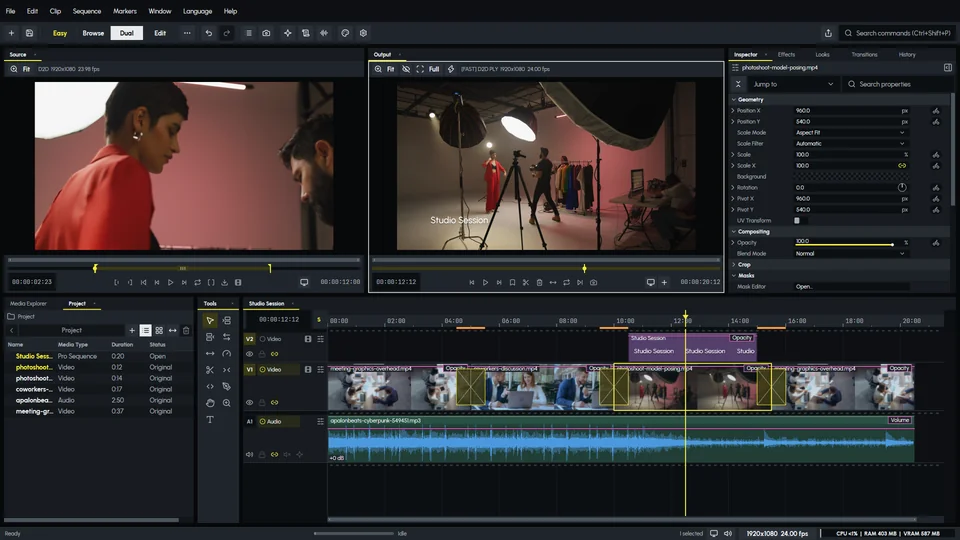
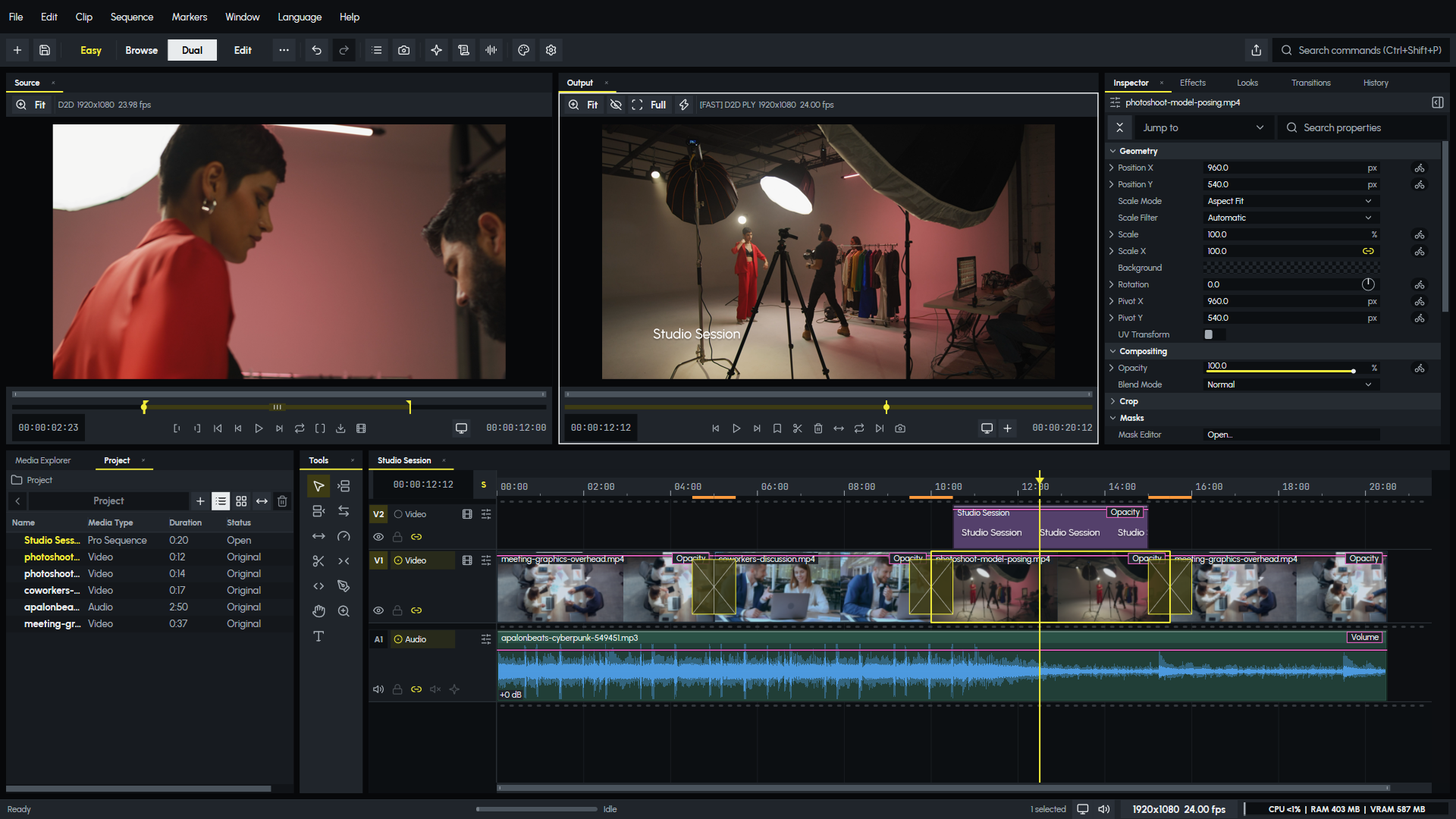
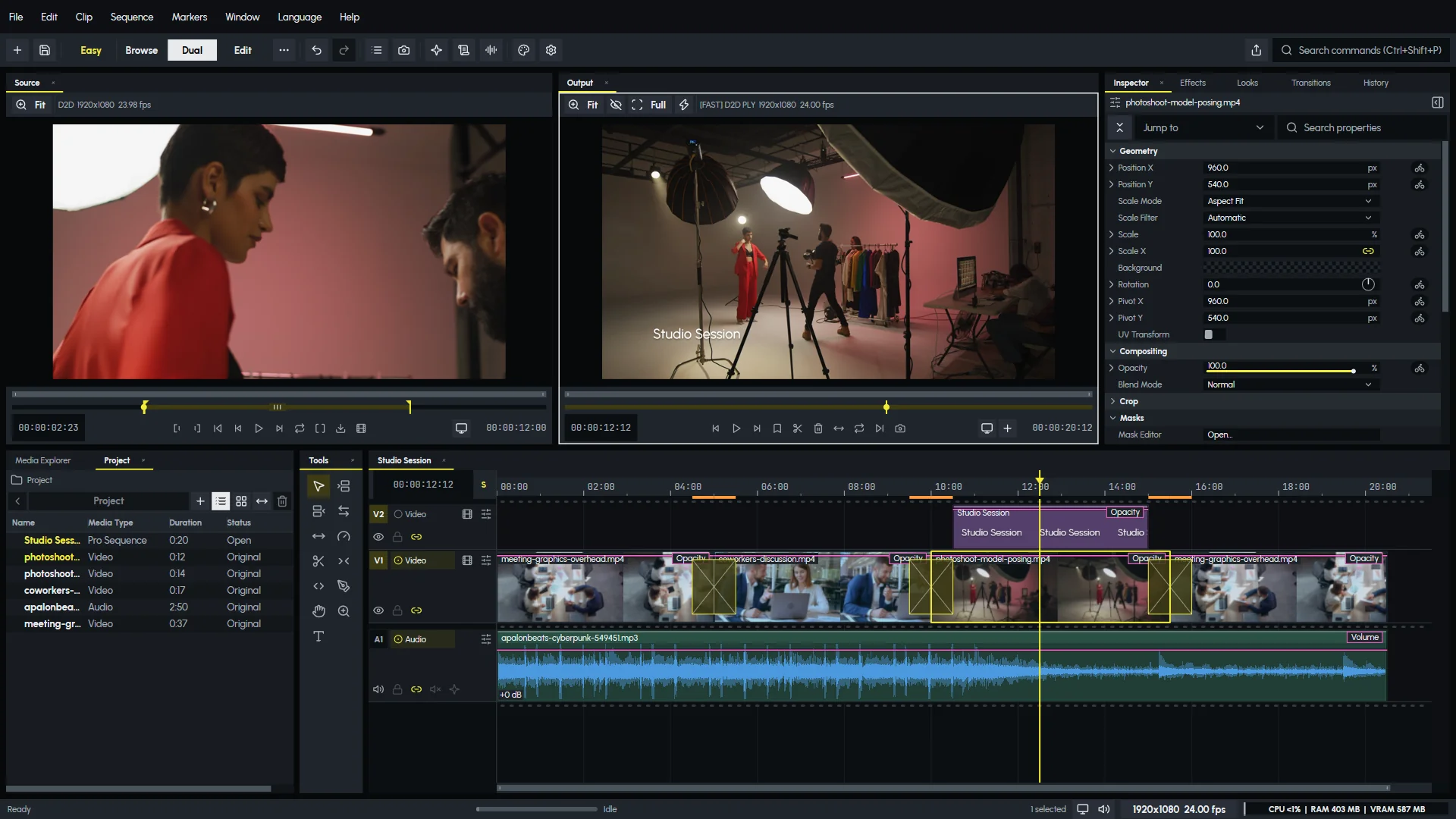
Video Cutlet in the Dual workspace with a photo review clip in the Source viewer, a model posing in the Output viewer, the Project panel, the Inspector, and the timeline below.
The Dual workspace puts the Source and Output viewers side by side so a source range is marked beside the cut it goes into.